The Difference Between AI as a Shortcut and AI as a Scaffold
AI is entering classrooms quickly. Some teachers are experimenting with it enthusiastically, while others are hesitant — unsure where the line should be. Much of that uncertainty comes from how AI is framed.
It’s often presented as a shortcut — something that can instantly generate lessons, assignments, and materials. But when AI is used as a shortcut, it often replaces the very thinking that makes teaching meaningful.
There is another way to approach it.
AI can function as a scaffold instead. Understanding that difference changes everything.
What Happens When AI Becomes a Shortcut
When AI is used as a shortcut, the goal is speed. A teacher might ask AI to:
- “write an entire lesson plan”
- “generate an assignment”
- “produce discussion questions”
- “design an entire unit”
At first glance, this feels efficient. But shortcuts remove the thinking process that allows teachers to design meaningful learning experiences. Lessons become generic. Student needs disappear. Creative risk-taking fades.
The result often looks polished — but feels disconnected. Teaching becomes mechanical instead of intentional.
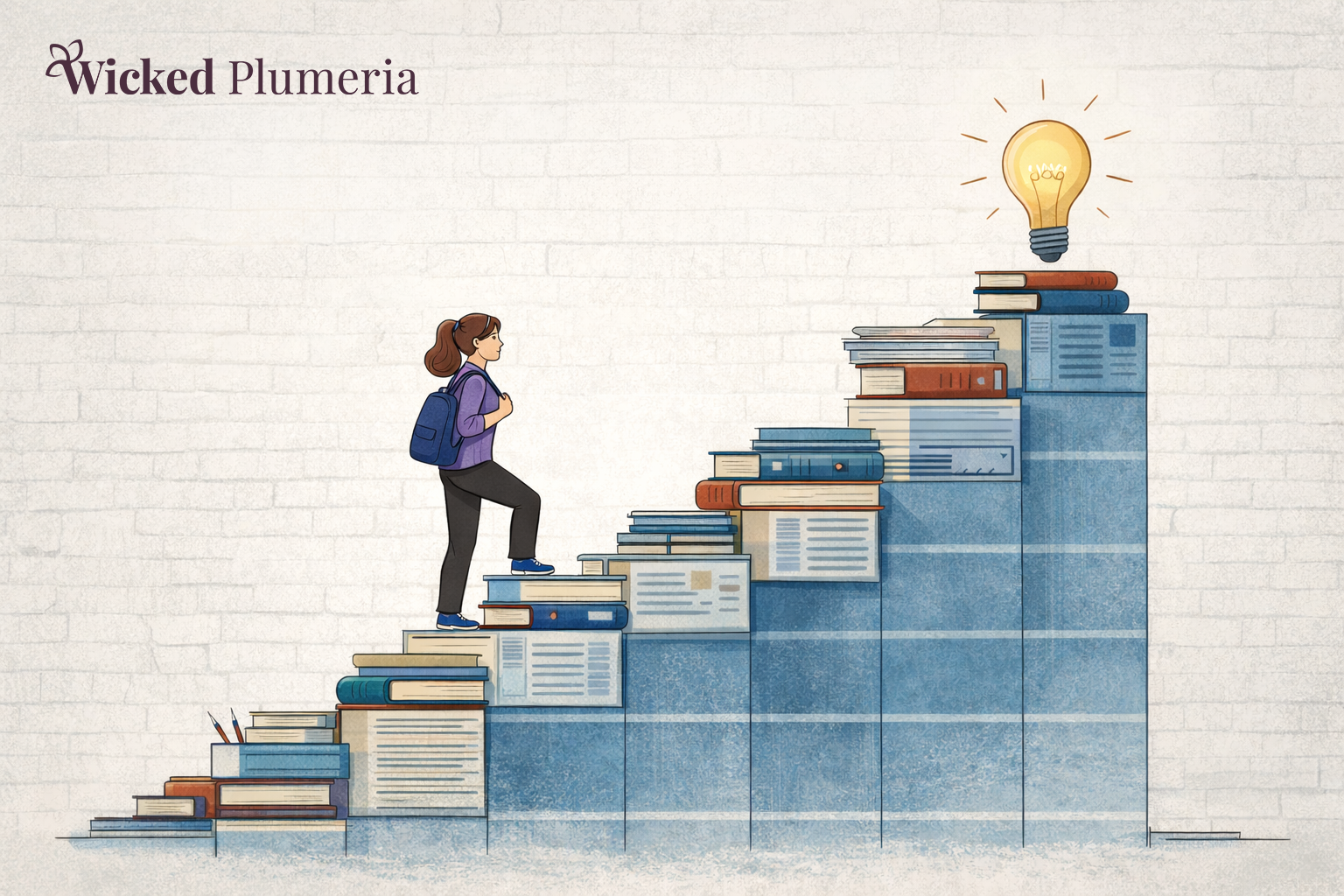
What It Means to Use AI as a Scaffold
A scaffold doesn’t replace thinking. It supports it. When AI is used this way, it helps teachers move faster through the mechanical parts of planning while protecting the creative decisions that matter most. Instead of asking AI to build the whole lesson, teachers might ask it to:
- “generate possible essential questions”
- “outline a rough sequence of activities”
- “suggest differentiation ideas”
- “draft a rubric that can be refined”
The teacher remains the designer. AI simply removes friction from the planning process.
A Simple Test
A helpful question to ask when using AI is: “Is this replacing my thinking, or supporting it?” If the tool is doing the intellectual work for you, it’s likely functioning as a shortcut. If the tool is helping you organize, clarify, or expand your thinking, it’s functioning as a scaffold. That distinction keeps professional judgment at the center of the classroom.
The difference between shortcut and scaffold becomes clearer in practice.
I’ve experimented with this approach in my own high school Media Arts classroom while planning a Photoshop unit for students preparing for the Adobe Certified Professional exam.
One of the more complex parts of the unit focuses on advanced selections and compositing — skills that allow students to move from simply fixing photos to creating entirely new visual realities. Instead of asking AI to design the entire unit for me, I used it to help structure the sequence of instruction. I prompted our district’s AI system to generate a rough week-by-week breakdown of topics that would scaffold students toward a final surrealist composite project.
The output gave me a helpful starting framework: a week focused on advanced selections like hair and fur, a week centered on layer masks, another on blend modes and smart objects, and eventually a larger creative project where students would combine multiple images into a surreal scene.
But the actual classroom experience came from my decisions.
I chose the demonstrations that would resonate with my students — like extracting a fluffy cat and placing it on the moon to reveal sloppy selections, or creating a “two-headed animal” to practice blending with layer masks. I also shaped the discussions around ethical editing when introducing tools like Liquify, which can raise important questions about image manipulation and body image.
The AI didn’t design the learning experience.
It helped organize the scaffolding so I could focus on designing the creative work.
What might have taken me an hour or two to outline initially took only a few minutes to generate and refine — but the professional judgment behind the lesson remained entirely mine.
Why This Matters for Creative Teachers
Creative teachers often hesitate around AI because they fear losing the human dimension of their work. That concern is valid.
Teaching is relational.
It is improvisational.
And it is shaped by context and intuition.
But tools that reduce unnecessary friction can actually protect creative energy. When planning becomes more efficient, teachers gain more space to focus on:
- student relationships
- meaningful projects
- classroom culture
- experimentation
Used thoughtfully, AI doesn’t flatten creativity. It protects it.
AI is not going away. But how it is used inside classrooms is still being shaped. Teachers have more influence in that conversation than they might realize. By treating AI as a scaffold instead of a shortcut, educators can protect what matters most about their work while still benefiting from the support new tools offer.
Tools will continue to evolve.
But the professional judgment of teachers should remain the center of the classroom.
At Wicked Plumeria, the goal isn’t to chase the newest technology. It’s to build systems that allow creative teachers to do their best work without burning out.